Get Started With BlitzBrowser
BlitzBrowser can be run as self-hosted or run in the cloud with our infrastructure.
The documentation to run the self-hosted version is available on our Github. You will find all the information necessary to run BlitzBrowser with docker.
BlitzBrowser in the cloud
To start using BlitzBrowser in the cloud, you need to create an account. Our free tier is available immediately after signup, no credit card required. You will be able to test our browsers in seconds.
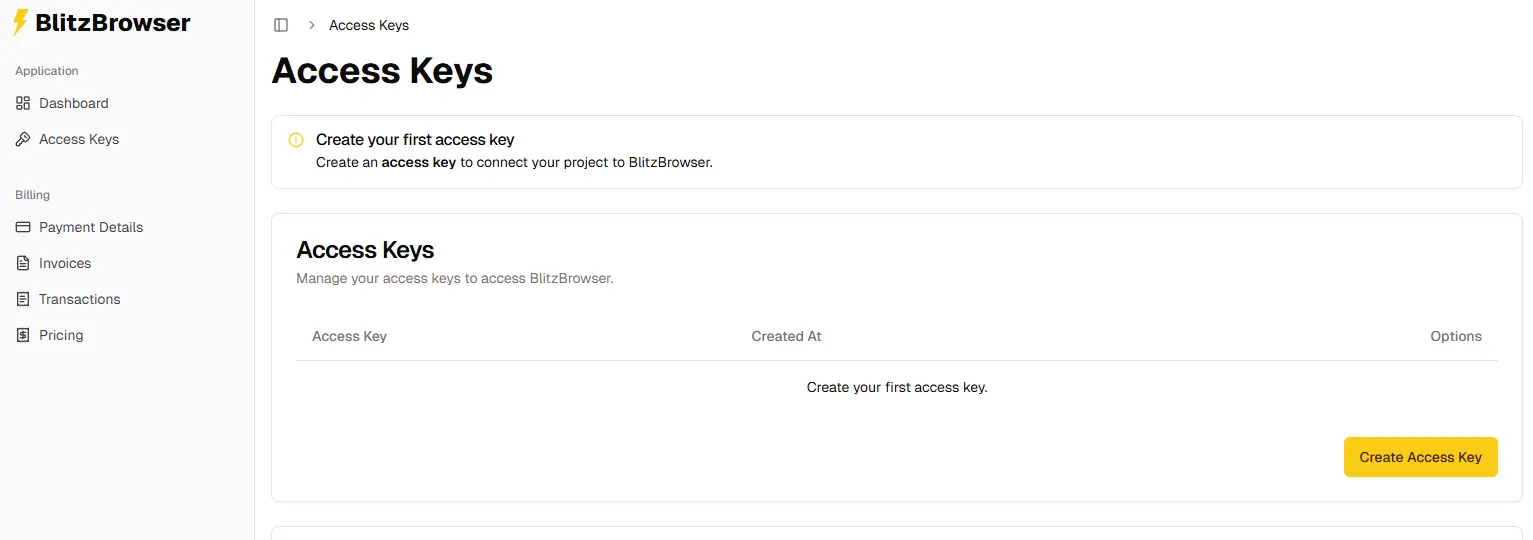
Create An Access Key
Next, you'll need to create an access key. This key is essential for authenticating and connecting to our pool of browsers. It's important to keep your access keys private to prevent unauthorized access.
Connect your framework
Now that you have an account and an access key, you are ready to connect your project to our pool of browsers. BlitzBrowser is designed for straightforward integration with existing projects using Puppeteer, Playwright or any Chrome DevTools Protocol frameworks.